
Accessibility

We want everyone to be able to read our menu and find their way to the table.
What we build to
This website is built to meet the Web Content Accessibility Guidelines 2.1, level AA (opens in a new tab), the standard most commonly applied to business websites in the United States, and we are working toward the newer version 2.2.
We test every page with automated checks, at desktop and phone sizes, and by using it with a keyboard alone. We have not yet had the site tested by a person who uses a screen reader; that is on our list below.
We do not claim the site is free of barriers. No one can honestly promise that. What we can say is that we build to the standard above, we keep checking, and we fix what we find.
- Last reviewed
- 22 September 2026
- Reviewed by
- Automated and keyboard testing
What that means in practice
- The menu is real text
- Every dish, description and price is ordinary web text with real headings, not a photograph or a PDF of a menu. It can be read aloud, enlarged, searched and copied.
- Everything works without a mouse
- Every link, button and menu tab can be reached with the Tab key and used with Enter or Space, and the item you are on is always visibly outlined.
- Images are described
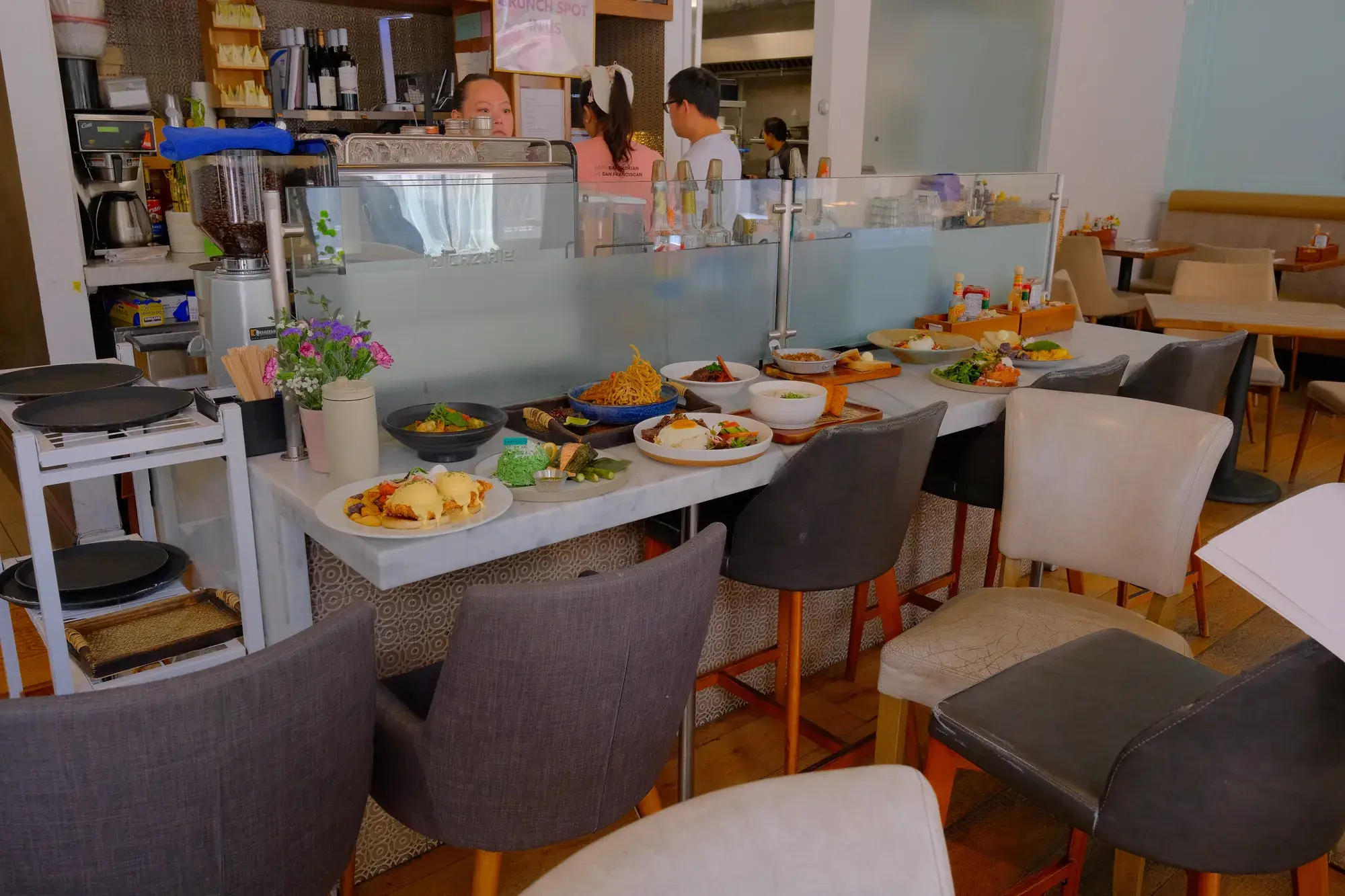
- Photographs of food carry written descriptions. Purely decorative images are marked so a screen reader passes over them in silence instead of reading out filenames.
- Text contrast is measured, not eyeballed
- Body text meets a contrast ratio of at least 4.5:1 against its background and large headings at least 3:1, including text sitting over photography and video.
- Nothing moves that you cannot stop
- The background video at the top of the home page and the moving rail of dish photographs both have visible pause buttons, and both start still if your device asks for reduced motion.
- Controls are big enough to tap
- On a touch screen, every link and button that stands on its own is at least 44 pixels tall. Links inside a sentence stay the size of the sentence, so paragraphs read normally.
- Larger text still fits
- With text enlarged to 160% on a phone, nothing runs off the side of the screen and nothing has to be scrolled sideways.
The accessibility button
The round blue button in the bottom-left corner of every page opens a menu that changes how the site is shown to you: larger text, higher contrast, a dyslexia-friendly font, stopped animations, a bigger cursor, a reading guide and more. On a phone it sits at the left end of the row of buttons along the bottom of the screen.
With a keyboard, press Tab until you reach it (it is the last stop on every page, after the footer), then Enter or Space to open it. The menu takes the focus, Tab moves around inside it, and Escape or the close button closes it and puts you back where you were.
Your choices stay with you from page to page and the next time you visit on the same device. They are saved in your own browser. In our testing the button set no cookies, and it does not send your choices to us or to anyone else. The only outside requests it makes are to jsDelivr, a public code host, to load the button itself and, only if you turn it on, the dyslexia-friendly font.
It is a convenience on top of a site that is built to work without it, not a substitute for building it properly. Everything described above is true with the button left alone. The button is the open-source Sienna accessibility widget (opens in a new tab); we have added keyboard, focus and labelling fixes to it, and its “Accessibility Statement” link brings you back to this page.
Parts of the site we do not build ourselves
Online ordering is handled by an outside service, and we do not control how its pages behave. Wherever the site offers an Order now button, a Call us button sits beside it, and we will gladly take your order over the phone.
The map in our Visit Us section is provided by Google Maps. If it does not work for you, our full address is written out as text everywhere it appears, and we will give directions over the phone.
A few links inside the accessibility menu, such as “Learn more” and the PDF reader, lead to its makers’ websites.
What we are still working on
- A listen-through of the whole site by a person using a screen reader.
- Written accessibility information from our online ordering provider.
- An email address for accessibility reports. Until we have one, the phone is the way to reach us.
Tell us if something does not work
If any part of this website stops you doing what you came to do, please call us and tell us. We will help you right away over the phone. We can read you the menu, take your order, or answer anything the site should have answered, and we will get the page itself fixed.
We do not have an email address for accessibility reports yet. Until we do, please call, or come and see us.
Phone (415) 655-3556. 698 Post Street, San Francisco, CA 94109. We answer the phone during service hours.